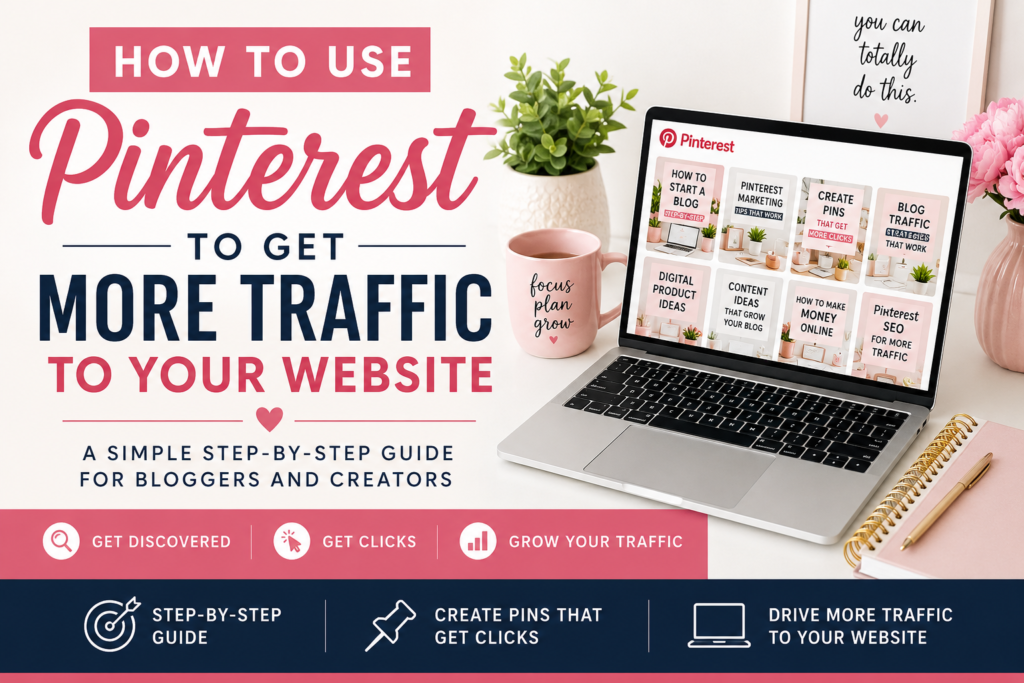
Creating beautiful Pins is only part of growing on Pinterest. If Pinterest doesn’t understand what your content is about, it becomes much harder for the right people to discover it.
That’s where Pinterest SEO comes in.
Pinterest works much more like a visual search engine than a traditional social media platform. People open Pinterest looking for ideas, answers, products, tutorials, inspiration, and solutions. By using the right keywords in the right places, you can help Pinterest understand your content and connect it with people already searching for what you have to offer.
The good news? Pinterest SEO does not need to be complicated.
In this guide, I’ll walk you through simple Pinterest SEO tips you can start using to make your profile, boards, Pins, and website content easier to discover.
What Is Pinterest SEO?
Pinterest SEO is the process of optimizing your Pinterest content so it has a better chance of appearing when people search for related topics.
Pinterest looks at different signals to understand your content, including:
- Your profile information
- Board names and descriptions
- Pin titles
- Pin descriptions
- Images and text overlays
- The page linked to your Pin
- How people interact with your content
Think of keywords as clues.
When your profile, Pin, board, and destination page all talk about the same topic, you make it easier for Pinterest to understand where your content belongs.
The goal is not to repeat the same keyword everywhere. The goal is to build clear context around each topic you publish.
Step 1: Find Pinterest Keywords Before You Create Content
One of the easiest places to research Pinterest keywords is Pinterest itself.
Start typing a broad topic into the Pinterest search bar and pay attention to the phrases Pinterest suggests.
If you type:
you might see suggestions related to:
- Pinterest for beginners
- Pinterest marketing
- Pinterest SEO
- Pinterest traffic
- Pinterest strategy
- Pinterest content ideas
- Pinterest business
These suggestions can help you understand how real users are searching.
You can also search a keyword and look at the related ideas Pinterest shows around the results.
Write down phrases that closely match your website, products, and audience.
You do not need hundreds of keywords. Start with a small group of highly relevant phrases you can naturally use throughout your content.
Step 2: Optimize Your Pinterest Profile
Your Pinterest profile should clearly communicate what your account is about.
Use a recognizable business name, logo or profile image, and a description that explains what people can expect from you.
Instead of writing a vague bio such as:
“Sharing things I love and ideas that inspire me.”
Try something more descriptive:
“Pinterest tips, digital product ideas, blogging resources, and simple online business strategies for creators building traffic and income online.”
That gives both Pinterest and visitors more context.
Use keywords naturally. Your profile should still sound like it was written for a person, not an algorithm.
Step 3: Create Keyword-Focused Pinterest Boards
Your board names are another important SEO signal.
Choose clear board names based on topics people might actually search for.
Good examples include:
- Pinterest Tips for Beginners
- Pinterest Marketing
- Pinterest SEO Tips
- Digital Product Ideas
- Blogging Tips
- Make Money Online
- Content Creation Tools
Avoid overly creative board names that make the topic difficult to understand.
A board called “Grow Your Dream” may sound nice, but Pinterest has much less context than it would from a board called “Online Business Tips.”
Add a short description to each board using related keywords naturally.
For example:
“Pinterest marketing tips, Pinterest SEO strategies, content ideas, and beginner-friendly resources for driving more website and blog traffic.”
Keep every board focused on one clear subject.
Step 4: Put Your Main Keyword in Your Pin Title
Your Pin title should immediately tell people what they are going to find after clicking.
If your primary keyword is Pinterest SEO tips, a title such as:
Pinterest SEO Tips for More Website Traffic
is much stronger than:
You Need to Try This!
Clear titles help searchers understand your content and give Pinterest better information about your topic.
Other examples include:
- Pinterest for Beginners: 7 Simple Steps
- Pinterest Traffic Tips for Bloggers
- How to Use Pinterest Keywords
- Digital Product Ideas for Beginners
- How to Create Pinterest Pins That Get Clicks
Lead with clarity rather than clickbait.
Step 5: Write Natural Pinterest Descriptions
Your Pin description gives you additional space to explain the content.
Include your primary keyword and a few closely related terms in natural sentences.
For example:
“Learn simple Pinterest SEO tips to help your Pins get discovered in search. Use Pinterest keywords, optimized board titles, and better Pin descriptions to start driving more targeted website traffic.”
That description naturally includes:
- Pinterest SEO tips
- Pinterest search
- Pinterest keywords
- Pin descriptions
- Website traffic
You do not need to stuff dozens of keywords into one description.
One main keyword plus a few related phrases is usually enough to establish context.
Step 6: Use Clear Text on Your Pin Designs
Pinterest can also understand visual content, so your Pin design should reinforce the topic.
Add a clear headline to your image.
For example:
Pinterest SEO Tips: Get Found & Grow Traffic
is much stronger than a Pin that only says:
Grow Faster
Your headline should be large enough to read quickly, especially on a phone.
Keep your design simple and use strong contrast between the headline and background.
The purpose of the Pin is not only to look beautiful. It needs to communicate what someone will get when they click.
Step 7: Make Sure Your Pin Matches the Destination Page
Pinterest SEO doesn’t stop on Pinterest.
The webpage your Pin links to should closely match the Pin’s topic.
If your Pin says:
Pinterest SEO Tips for Beginners
the linked article should actually discuss Pinterest SEO.
Avoid sending that Pin to a general homepage or unrelated product page.
A strong content match might look like this:
Pin: Pinterest SEO Tips for Beginners
↓
Blog Post: Pinterest SEO Tips: How to Get Found and Drive More Website Traffic
↓
CTA: Free Pinterest Starter Pack
This creates a clear path for both the visitor and Pinterest.
Step 8: Create Multiple Pins Around the Same Keyword Topic
You do not need to create a new article for every Pin.
One strong blog post can support several different Pins.
For this article, you could create Pins with headlines such as:
- Pinterest SEO Tips for Beginners
- How to Rank Higher on Pinterest
- How to Use Pinterest Keywords
- Pinterest Search Tips for More Traffic
- Get More Pinterest Website Clicks
- Pinterest SEO Checklist
Each Pin can target a slightly different search angle while linking to the same article.
This helps you test what people respond to without constantly creating new long-form content.
Step 9: Use Pinterest Analytics to Improve Your SEO
Once you have been publishing consistently, look at your Pinterest Analytics.
Pay attention to:
- Impressions
- Saves
- Outbound clicks
- Top Pins
- Top boards
- Search-driven content
- Topics generating website visits
A Pin with lots of impressions but very few clicks may need a better headline or stronger reason to visit your website.
A Pin generating consistent outbound clicks is worth studying.
Ask yourself:
- What keyword did I target?
- What headline did I use?
- What style was the Pin?
- What problem did it solve?
- What page did I link to?
Then create more content around what is already working.
Pinterest SEO Mistakes to Avoid
A few common mistakes can make Pinterest growth harder than it needs to be.
Keyword Stuffing
Repeating the exact same keyword over and over usually makes your content sound unnatural.
Use related phrases and write for real people.
Using Vague Pin Titles
A beautiful Pin with an unclear headline may get overlooked because people do not immediately understand the value.
Creating Unrelated Boards
Keep your boards relevant to the topics you actually publish about.
Linking Pins to Unrelated Pages
Your Pin and destination should closely match.
Focusing Only on Impressions
Views are encouraging, but outbound clicks are often much more valuable when your goal is website growth.
A Simple Pinterest SEO Checklist
Before publishing a new Pin, ask:
- Does my Pin have one clear primary keyword?
- Is that keyword naturally included in my title?
- Does my description explain what the Pin is about?
- Is the Pin saved to a relevant board?
- Does the text on my image clearly communicate the topic?
- Does the linked page match the Pin?
- Does the page give visitors a logical next step?
You do not need every Pin to be perfect.
Consistency and clarity matter more than constantly changing your strategy.
Want a Simpler Way to Get Started?
If Pinterest SEO, keywords, boards, and content planning are starting to feel like a lot, start with the basics.
Grab my Free Pinterest Starter Pack for simple resources to help you organize your Pinterest strategy, create better content, and start building traffic without trying to figure everything out at once.
Get the Free Pinterest Starter Pack →
What to Do Next
Pinterest SEO is really about helping Pinterest—and your potential visitors—understand exactly what your content is about.
Start by choosing one topic.
Research how people search for it.
Create a helpful article.
Design several Pins around that article.
Use clear keywords.
Then watch your analytics and build on what works.
You do not need thousands of followers or a complicated strategy to begin. You need useful content, clear topics, strong Pins, and enough consistency to give Pinterest time to understand and distribute your work.
Keep creating, keep testing, and let your content library grow over time.